Nextravel Login
Access your travel operations dashboard without the noise.
Existing customers can sign in to manage bookings, billing, leads, vehicles, and day-to-day travel operations from one place.
Role-based access
Sales, operations, accounts, and management can work from the same system with the access they need.
One place for daily work
Teams use Nextravel to view pipelines, track trips, manage bills, and keep customer work moving.
Customer Access
Sign in to Nextravel
This page is for existing customers. New visitors should book a demo instead of using this form.
New to Nextravel?
If you searched for Nextravel login to explore the platform, the fastest next step is a live walkthrough.
What You Access After Login
The operational side of your travel business
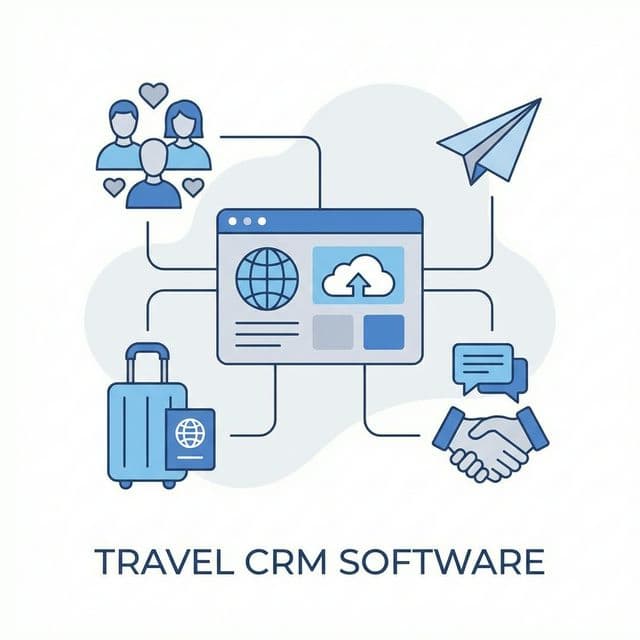
After login, users can view lead pipelines, track follow-ups, manage customer records, create bills, monitor trips, and check operational updates.
Teams also use the platform for booking workflows, driver coordination, payment visibility, and reporting. Because Nextravel combines CRM, ERP, booking engine, and automation tools, users do not need to switch between disconnected systems.
FAQ
What can I do after logging in?
Users can access bookings, leads, billing, operations, customer records, and role-based tools.
I am not a customer yet. Should I use this page?
Yes. New visitors can use the demo link to explore the platform.
Can different staff members have different login access?
Yes. Nextravel supports role-based access for sales, operations, accounts, and management teams.